Using USB via Ethernet
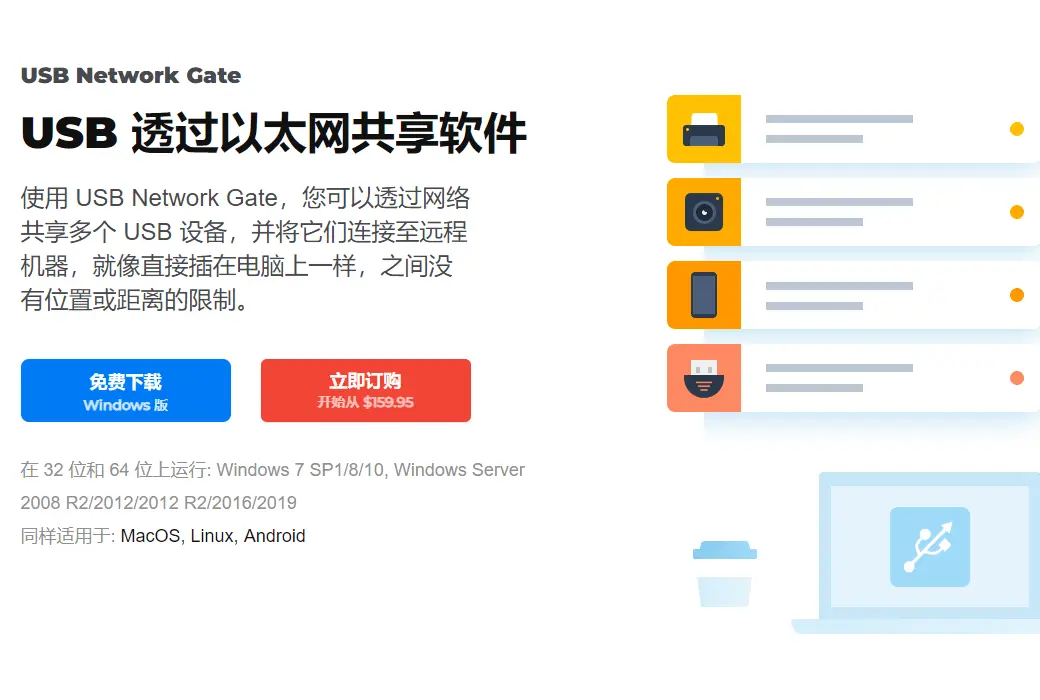
It can help you share a USB device between multiple computers through Ethernet, so people from all over the world (or offices) can use it. Now, you can access your printer, scanner, camera, USB dongle, or other USB enabled devices anytime, anywhere, on your home computer or office laptop! USB Network Gate shares the highly desirable features of USB devices on Windows PC or macOS, as well as connecting to it from Linux devices. vice versa!
- Share USB ports through LAN/WAN/VLAN/VPN/Internet
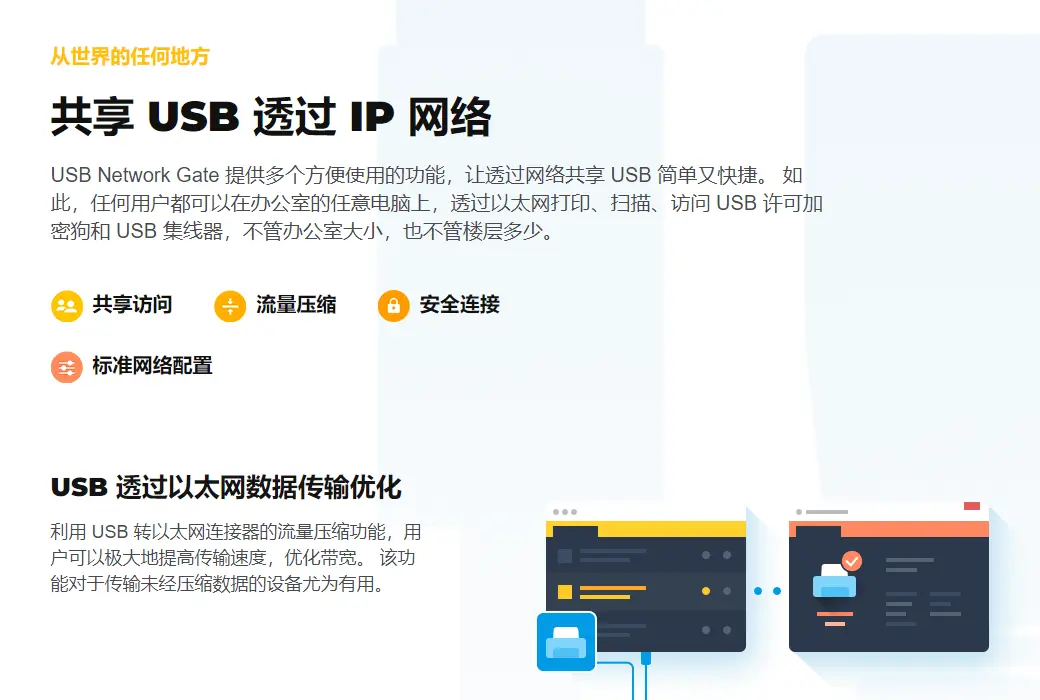
Do I need to share one or more USB devices between multiple computers? Can be solved with USB Network Gate (formerly USB to Ethernet Connector)! Now, any user can print, scan, and fax on any computer in your office. You can add a password for remote user access control.
- Plug in USB devices for virtual machines and blade servers
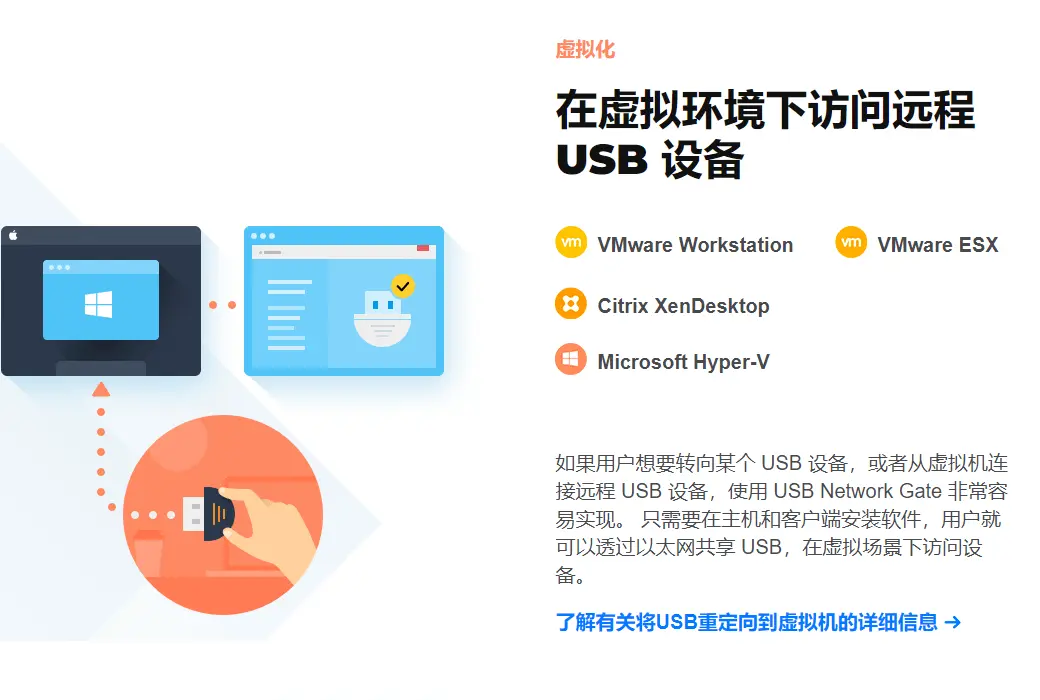
Looking for a way to connect a USB device to virtual machine software or blade servers? The USB network door is installed on a guest operating system (virtual machine, blade server) and accesses your USB peripheral devices from a remote virtual desktop. We are compatible with VMware, VMware SX, Citrix XenDesktop, and Microsoft Hyper-V!
- Accessing USB over RDP (Remote Desktop Protocol)
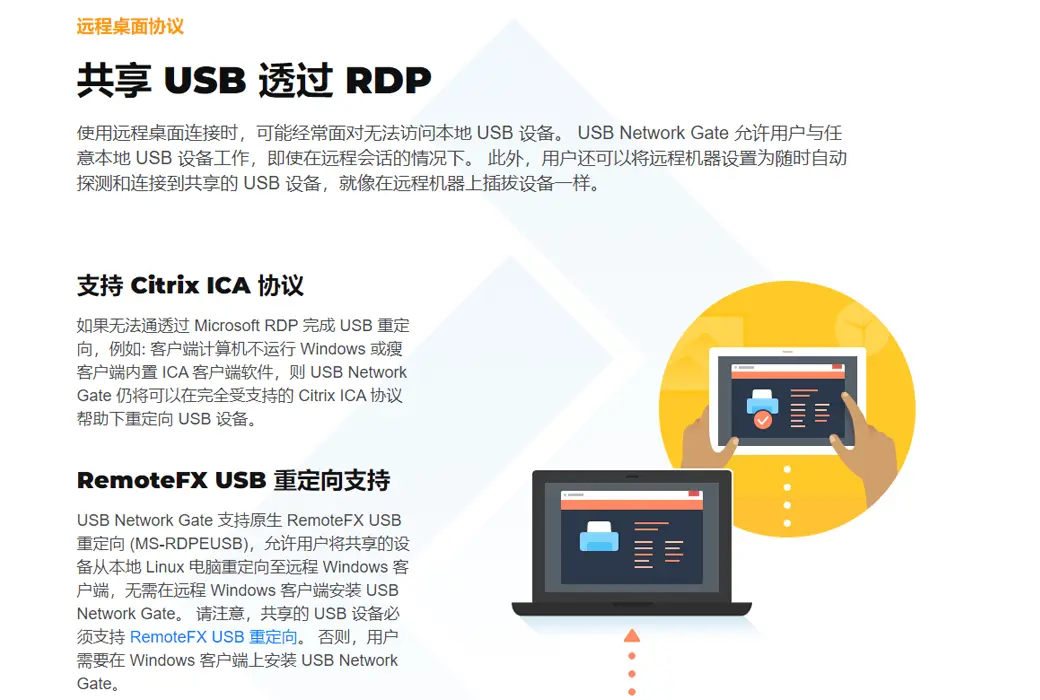
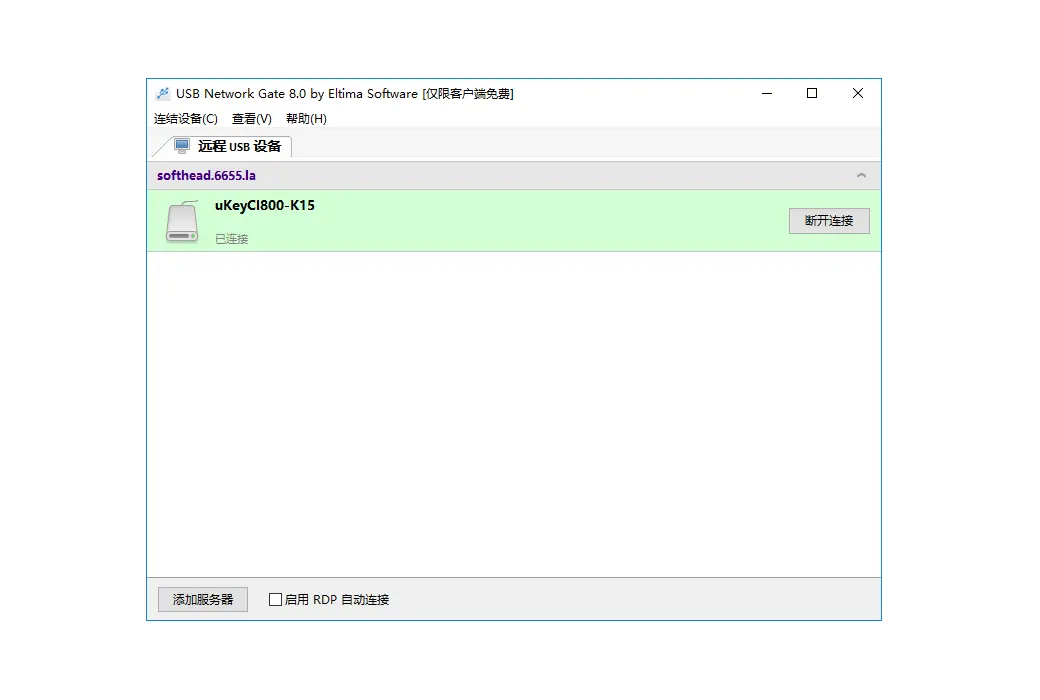
The common problem you may face when using remote desktop connection is that you cannot access local USB devices. The USB network gateway allows you to use any local USB device in a remote session. And you can set up remote machines to automatically detect and connect to USB devices for temporary sharing, if you are just placing the device on a remote machine!
- Accessing USB devices via WiFi
There is no need to change the existing network configuration for your employees to share new USB devices - this allows wireless access to your office from desktop and laptop computers. Just share a USB printer, scanner, or other device on one computer, and all your network users can use it as if it were connected to their computer.
- USB device isolation for each session
It is difficult for terminal servers in multi-user environments to obtain exclusive use of USB devices. The USB network gateway allows a USB device to be assigned to a specific user in their RDP session. No other users can access the device. The testing modes for currently available USB flash drives and USB cameras. Since version 7.0, ICA protocol has been supported through Citrix USB gateway.