You haven't signed in yet, you can have a better experience after signing in
*Please complete the payment within {{receiveCouponInfo.expire_at}}Previous use*
You haven't signed in yet, you can have a better experience after signing in





Activity Rules
1、Activity time:{{ info.groupon.start_at }} ~ {{ info.groupon.end_at }}。
1、Activity time:cease when sold out。
2、Validity period of the Group Buying:{{ info.groupon.expire_days * 24 }} hours。
3、Number of Group Buying:{{ info.groupon.need_count }}x。
Please Pay Attention
1、Teamwork process: Join/initiate a Group Buying and make a successful payment - Within the validity period, the number of team members meets the activity requirements - Group Buying succeeded!
2、If the number of participants cannot be met within the valid period, the group will fail, and the paid amount will be refunded in the original way.
3、The number of people required and the time of the event may vary among different products. Please pay attention to the rules of the event.

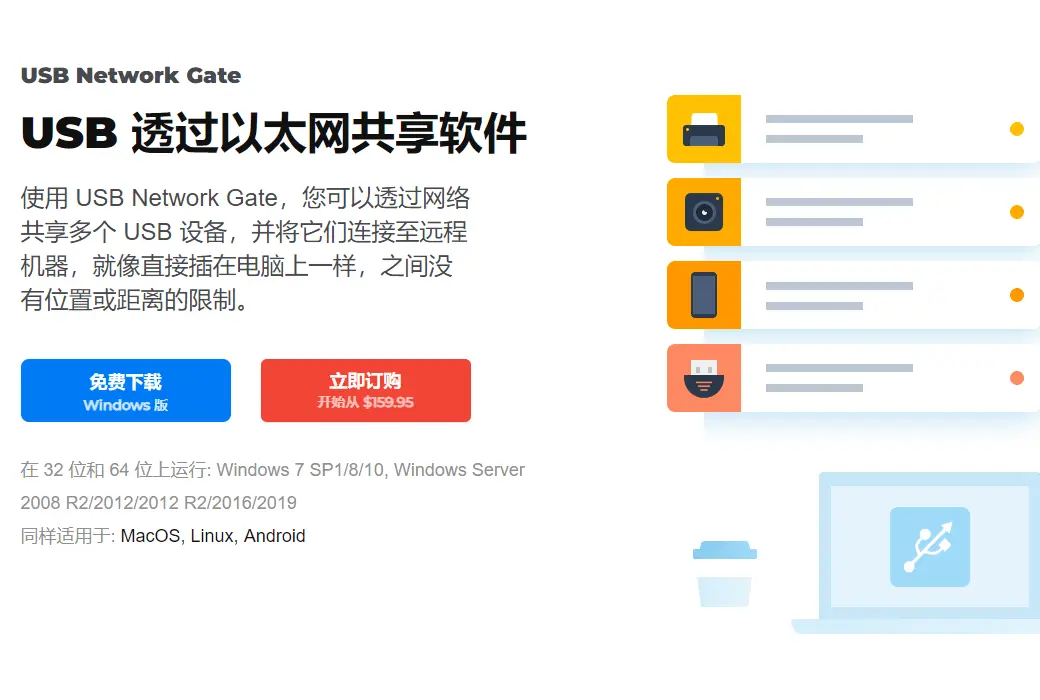
通过以太网使用 USB
它能通过以太网帮助你在多台计算机之间共享一个 USB 设备,所以来自世界各地(或办公室)的人们都可以使用它。现在,您可以在任何地方任何时间,在家里的电脑或者办公室笔记本电脑上,访问您的打印机,扫描仪,摄像头,USB 软件狗或其他支持 USB 设备 !USB Network Gate 给你分享USB设备的高度可取的功能在 Windows PC 或 macOS,和从 Linux 设备连接到它。反之亦然!
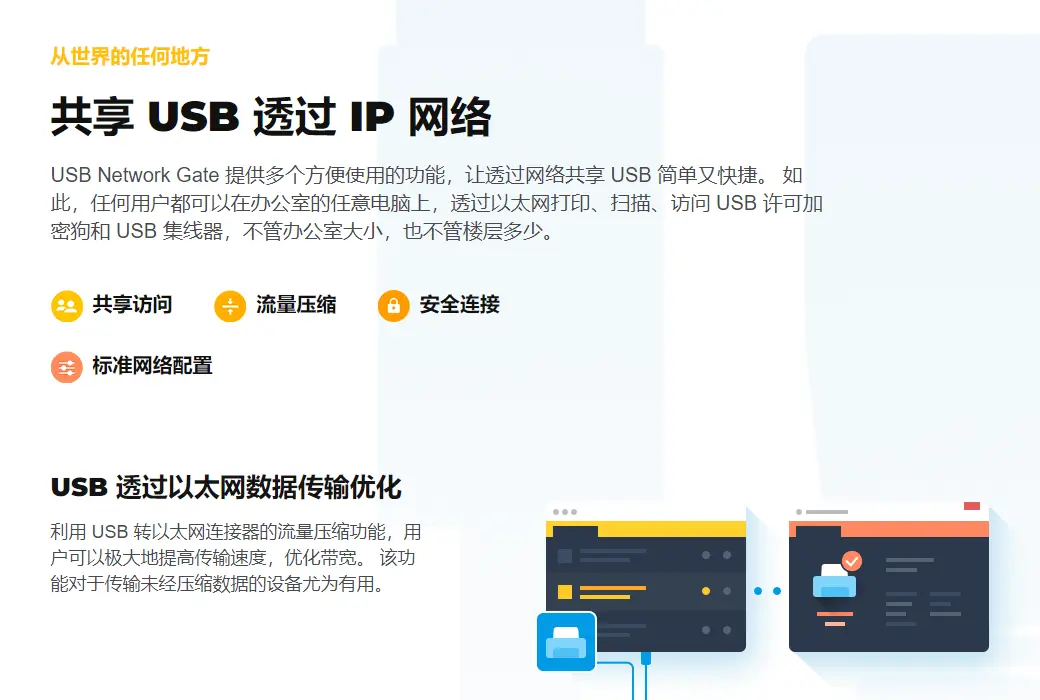
需要在多台计算机之间共享一个或多个USB设备吗?可以用USB Network Gate (前USB to Ethernet Connector)解决!现在,任何用户都可以在你的办公室的任何电脑上打印,扫描,传真。您可以添加一个密码远程用户访问控制。
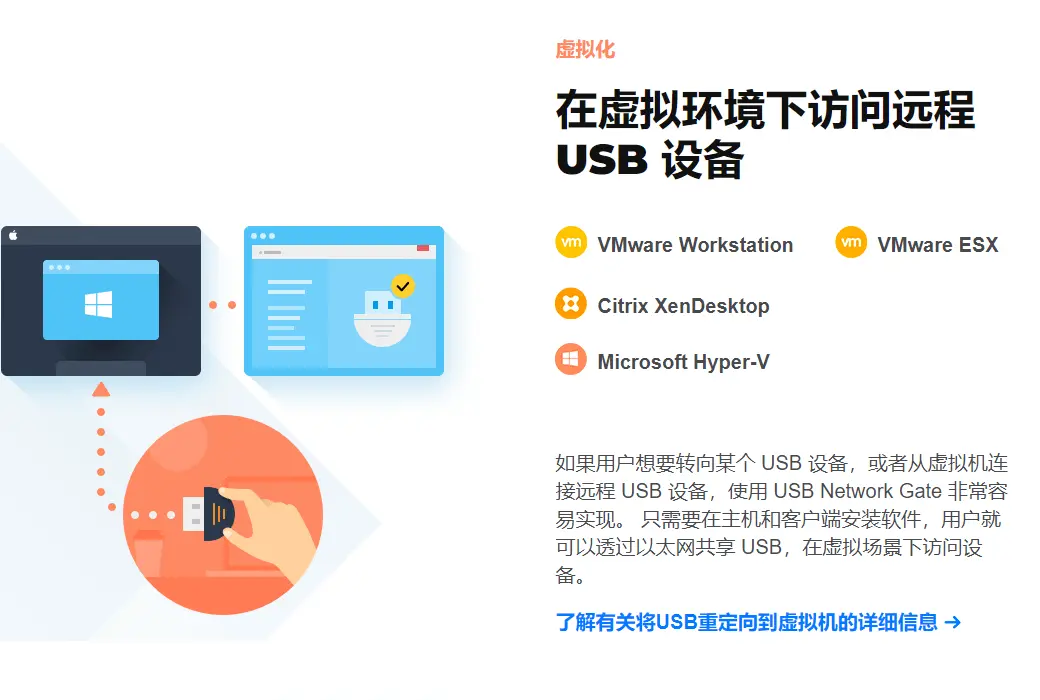
寻找一个方法一个USB设备连接到虚拟机软件或刀片服务器吗?USB网络门安装在一个客户操作系统(虚拟机,刀片服务器)和访问您的USB外围设备从一个远程虚拟桌面。我们是VMware,VMware ESX,Citrix XenDesktop和微软hyper – v兼容!
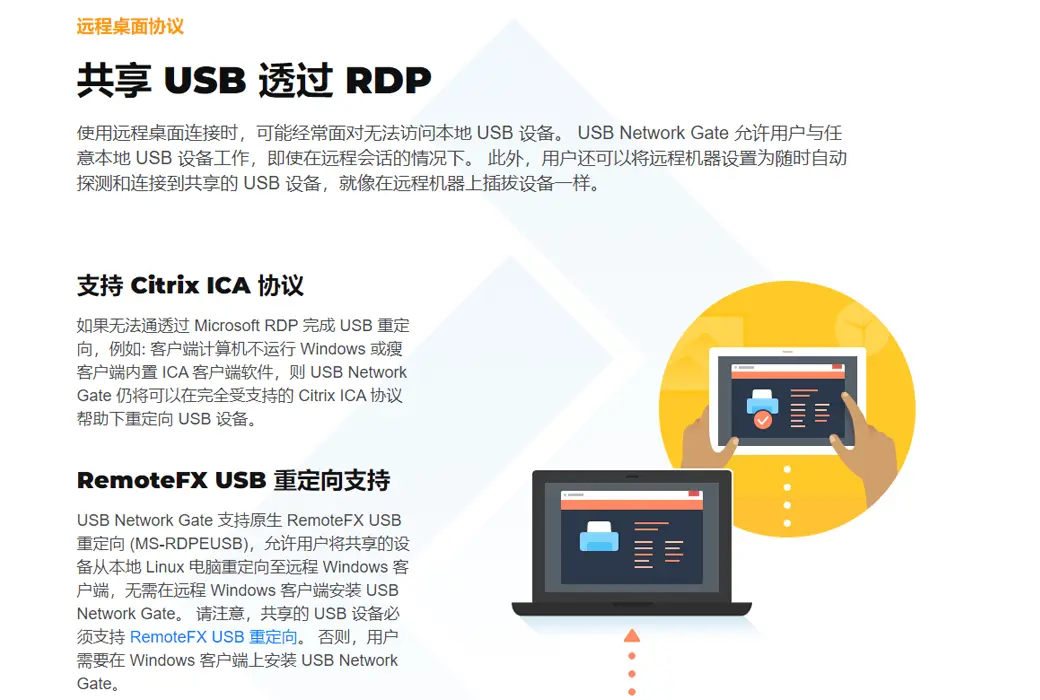
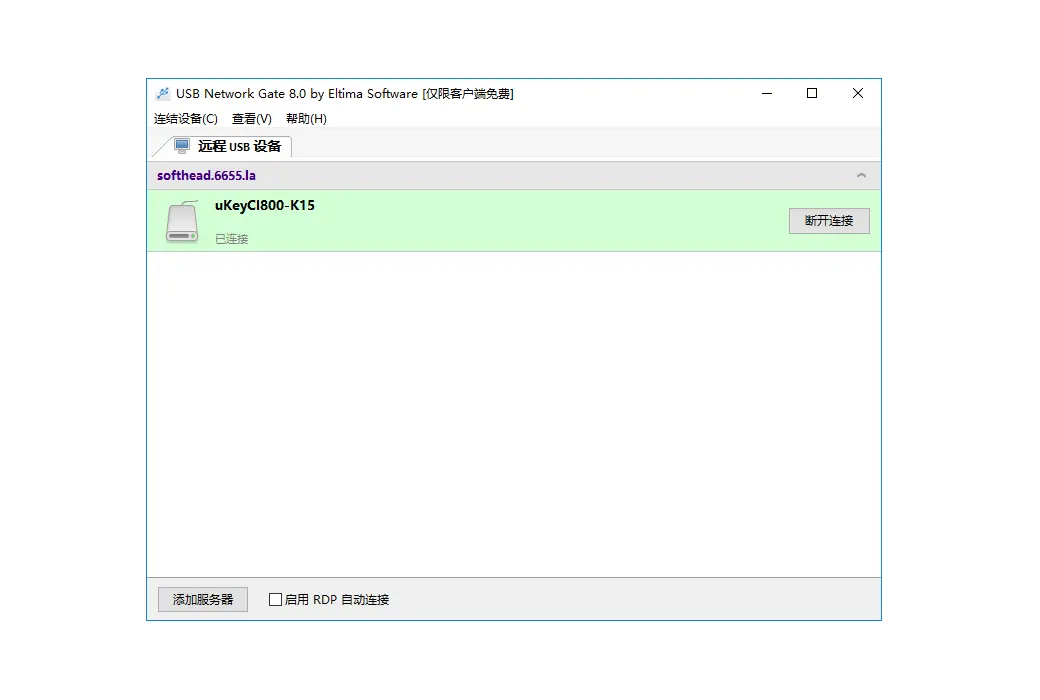
你可能面临的常见问题在使用远程桌面连接是您无法访问当地的USB设备。USB网络门允许您使用任何本地USB设备在一个远程会话。而且你可以设置远程机器自动检测并连接到USB设备暂时共享,如果你仅仅是把设备在远程机器!
没有需要改变现有网络配置让你的员工分享新的USB设备——这可以从台式机和笔记本无线访问你的办公室。只是分享一个USB打印机,扫描仪或其他设备在一个电脑,和你所有的网络用户可以使用它,就好像它是连接到他们的电脑。
在多用户环境下的终端服务器很难获得排他性使用USB设备。USB网络门允许将一个USB设备分配给特定的用户在他们的RDP会话。没有其他用户可以访问设备。目前可用的USB闪存和USB摄像头的测试模式。自从7.0版本通过Citrix USB网络门支持ICA协议。
官方网站:https://www.eltima.com/products/usb-over-ethernet/
下载中心:https://eltima-usb-network-gate.apsgo.cn
发货时间:人工处理
运行平台:Windows、macOS、Linux、Android
界面语言:支持中文界面显示,多语言可选。
更新说明:当前版本终身有效,且支持小版本更新升级,例如:v10.x。如果购买终身升级服务,则可以享受官方承诺的终身更新升级服务。
买前试用:14天免费试用,仅支持同时分享1个USB口。
如何收货:购买后,激活信息会以邮件的形式发送到下单时的邮箱,同时可在个人中心,我的订单中查看对应的产品激活码。
设备数量:可安装 1 台电脑。
更换电脑:原电脑卸载,新电脑激活。
激活引导:待添加。
特殊说明:待添加。

Any question